Use it online
Hosted for you on Digi Doughnut. Open it on any device and start right away.
- Always the newest version. Updates arrive by themselves
- Works on phone, tablet and computer
- On a phone, add it to your Home Screen and it opens like an app
 ✓ Order complete
Thank you! It's all yours.
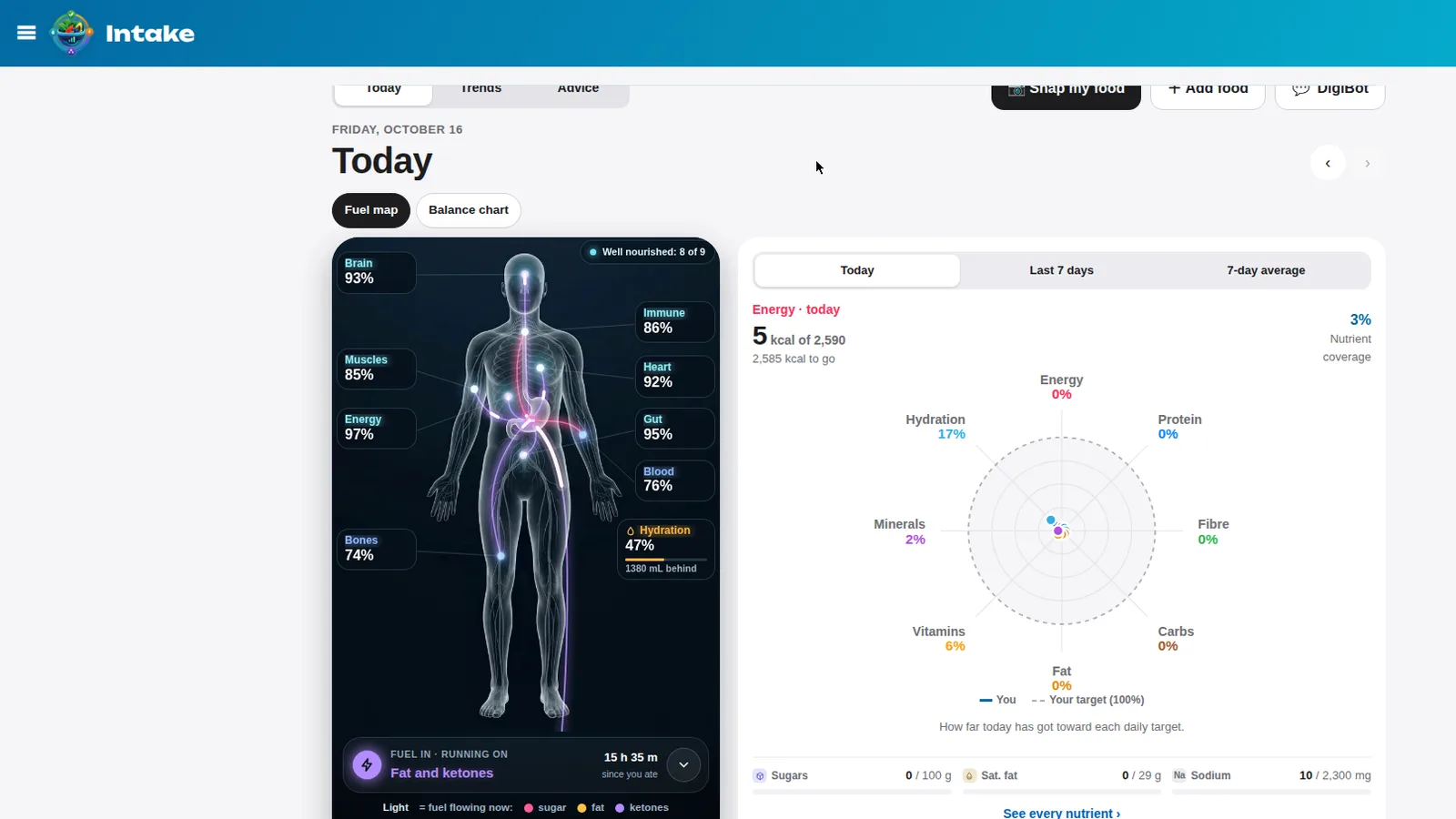
Your own copy of Intake is ready right now, on your phone, tablet or computer. No account, nothing to install.
🔑 Unlock it once with your personal key · always the newest version
✓ Registered to this browser with your key · always the newest version
Your personal access keyKey registered to this browser
INT-P6C5-RWXP
We made this key for you when you opened this page. It's saved in this browser, which is how we can fill it in for you.
Registering links your key to the browser on this device, and downloading your own copy registers it too. A different device or browser asks for the key once, and your downloaded copy has it built in.
Keys keep our apps from being shared around or misused, which helps a tiny shop keep them affordable. Your key isn't tied to your name or email. We only record when a key is used, so we can spot one being passed around.
Your copy
Use it online, keep your own file, or both. They're the same app.
Hosted for you on Digi Doughnut. Open it on any device and start right away.
The whole app is one file. Download it and open it straight from your computer, or put it on your own website.
intake.html · version 0.5.9 · 1.5 MB
⬇ Download intake.html📵 Downloads are for computers: a phone can't open this file. On your phone, use Open Intake now, and come back to this page on a computer to download.
digidoughnut.com/thanks/intake/D7PxZvlEjcNSVRDSVZoFy4wL/
Get started
Tap Open Intake now. Example items are already in it, so you can try everything first.
Clear the examples and add your own. Everything saves by itself as you go.
Get a free access key from Google in about two minutes. No credit card. Intake works fine without it, too. See how →
Keep it safe
Intake saves your food log in the browser you use it in, not on our servers. That keeps it private, and it means a backup is your safety net.
✓ Check a backup file (same screen) tells you a file is good and will restore. It changes nothing.
🔁 Want it automatic? Turn on live sync from the same screen. It keeps a copy in your own free Firebase database and keeps your devices in step.
Before you clear your browser: clearing "cookies and site data" (or "history and website data") wipes your food log and your access key from that device. Download a backup first. Using your own downloaded file? The browser keeps your food log, not the file, so back up every week or two.
Version & updates
✨ New
✨ New
🐞 Fixed
✨ New
🐞 Fixed
Questions
We're here to help 💬
Message us through our Etsy shop. Tell us your version (0.5.9) and what device you're on, and we'll sort it out.
Come back to this page: it shows your key in this browser. On a new device, open this page there and unlock it with the key it shows.
Yes. Open your link on each one. Each device keeps its own food log, so move it across with a backup, or turn on live sync to keep them all in step.
Most people just use it online: it's always up to date and works on every device. Your own file is there if you'd like a copy that's entirely yours. The two keep separate food log, so pick one as your main one.
No. Intake works fine without it. DigiBot just makes things faster and answers questions when you want it. It needs a free Google AI key.
Yes. Everything you enter is saved on your own device, not on our site. We never see it.
Enjoy Intake, and thank you for supporting a tiny shop.
Open Intake now